Webdone: A Developer’s Dream for Fast, Visual, and AI-Powered React Page Building
Webdone is a smart website builder that helps you create React pages quickly and easily. Just drag and drop to design your site. It uses AI to build layouts and gives you clean React code. Great for beginners and developers who want to build fast without writing complex code.
Every creator working with React knows the drill — start with a wireframe, plan components, write JSX, deal with styling, and keep responsiveness in check. It’s a process that requires skill, but also eats up time and momentum.
So what if there was a way to accelerate that workflow, reduce manual labor, and give both designers and developers a powerful shared tool?
That’s exactly what Webdone brings to the table — a next-gen tool that combines the intelligence of a landing page AI generator, the flexibility of a react drag and drop builder, and the polish of a react UI builder — all in a single platform built for modern creators.
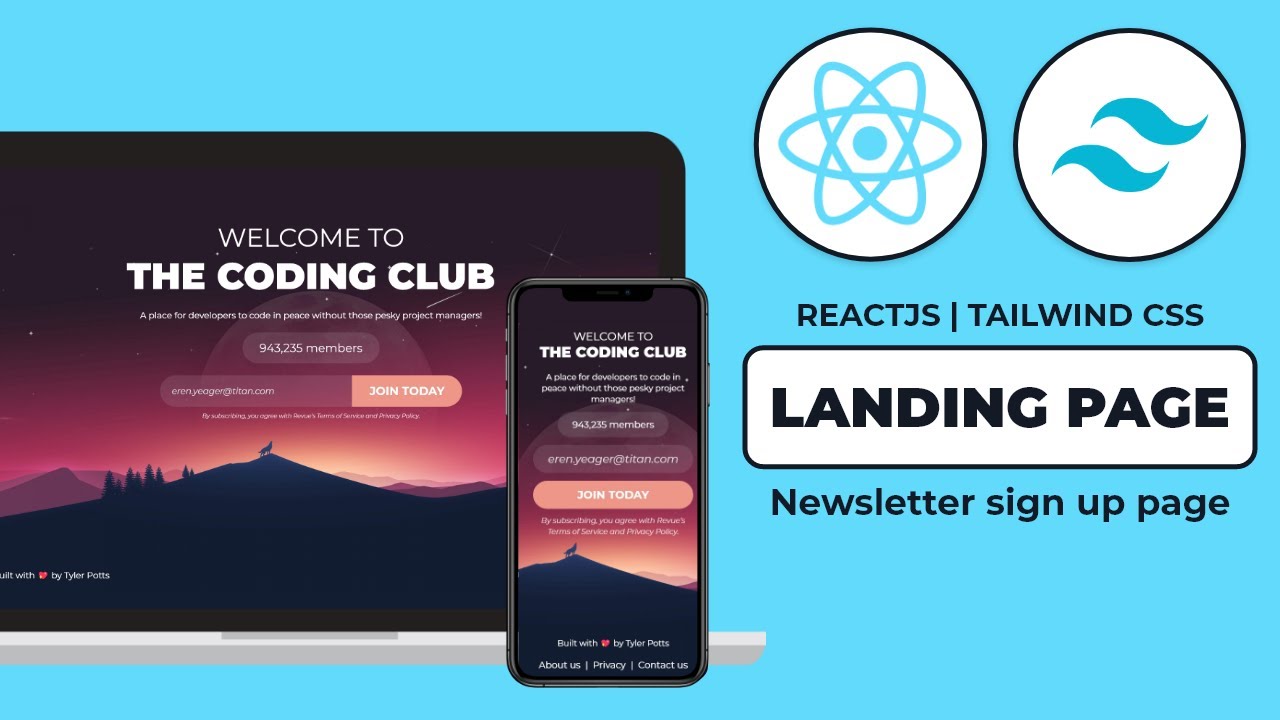
AI is everywhere these days — but most tools focus on text generation or simple automation.
Webdone uses AI for what truly matters: page structure and layout logic.
How It Works:You tell Webdone what you want:
“A landing page for a mobile app with a hero, features, CTA, and newsletter form.”
The platform intelligently generates a full layout:
- Clear section hierarchy
- Balanced spacing
- Responsive design included
- Placeholder elements with best UX practices
It’s not just about filling in blanks. It’s about delivering a launch-ready layout foundation in seconds.
This is the power of a real landing page AI generator built for developers and non-devs alike.
Where most page builders focus on visuals, Webdone focuses on React logic behind the scenes.
With its drag and drop page building for React, you're not just manipulating content — you're structuring real React components visually.
What You Can Do:- Drop new elements like grids, sliders, forms, and cards
- Nest components intuitively
- Adjust spacing, padding, and alignment
- Define properties visually
- Preview instantly across device breakpoints
This is the react drag and drop builder that React developers actually enjoy using — because it respects your control and code integrity.
Most visual builders give you a design experience — but fall short when it comes to usable code.
Webdone flips that.
With Webdone, you:- Visually build UI components
- Customize everything down to individual props
- Define reusable components and save them
- Export real JSX code that’s production-ready
- Apply Tailwind or your own CSS approach
It’s not a black box. You’re in control, always.
This makes Webdone a true react ui builder — not a compromise between design and code, but a bridge between them.
One of Webdone’s most important promises is: you own your code.
Everything you build can be exported as:
- Clean React (JSX) components
- Modular, folder-structured files
- Tailwind-compatible styles
- Reusable design tokens and props
That means:
- No lock-in
- No bloated code
- No vendor dependency
Use it with your existing Next.js app, push it to GitHub, deploy to Netlify or Vercel — it’s your workflow, supercharged.
- Skip HTML and CSS boilerplate
- Build layout faster
- Focus on logic and data
- Maintain full control of output
- Visual UI editing
- Theme support
- Drag-and-drop responsive design
- Real-time preview across breakpoints
- Rapid landing page creation
- A/B test multiple layouts
- Launch without dev help
- Iterate in real time
Webdone is collaboration-friendly, scale-ready, and built for modern teams.
This isn’t just for one type of website. You can use Webdone to create:
- Startup or SaaS landing pages
- Product showcases
- Agency portfolios
- Personal websites
- Developer documentation
- Signup flows
- Feature pages
- Blog layouts (with headless CMS)
Whatever your goal is, Webdone gives you the tools to build it faster and cleaner.
Tired of rebuilding the same hero section 5 times? Webdone helps you:
- Save sections as components
- Reuse them across projects
- Update once, apply everywhere
- Set design tokens (colors, fonts, spacing) globally
It’s your design system in action, without complex setup.
Even if you’re not scaling to a full design system yet, Webdone lays the groundwork for you to grow confidently.
Here’s a realistic scenario:
Before Webdone:
- Sketch in Figma
- Send design to devs
- Build layout in React
- Style each component
- Fix responsiveness
- Test and iterate
With Webdone:
- Describe layout to AI
- Instantly get page structure
- Customize via drag-and-drop
- Preview responsiveness
- Export or deploy
You’ve shaved days off your process, and still ended up with production-grade code.
You shouldn’t have to choose between:
- No-code speed
- Developer-level control
- Visual creativity
- Performance and SEO readiness
With Webdone, you get them all.
It’s a builder that respects both your time and your tech.
Yes — Webdone gives you the code. Host it anywhere: Vercel, Netlify, custom VPS, or your own backend.
❓ Do I need to be a developer?Not at all. Marketers, designers, and non-tech founders can use it visually. Devs can take over when needed.
❓ Can I import my own components?Yes. You can bring your own components into the builder and customize them visually or through code.
❓ Is Webdone suitable for agencies?Absolutely. Build faster, reuse templates, and deliver more projects with less overhead.
In a world where speed is currency and quality is non-negotiable, Webdone offers a rare balance:
- AI-powered layout generation
- True drag-and-drop for React
- Clean, exportable JSX code
- Visual UI building for all skill levels
- Collaboration across teams
- No fluff, no friction, just flow
If you build with React — or want to start — Webdone is your new secret weapon.
🚀 Want to ship pages faster without sacrificing quality?
🎨 Ready to design visually and export real code?
💡 Try Webdone today — and transform how you build with React.