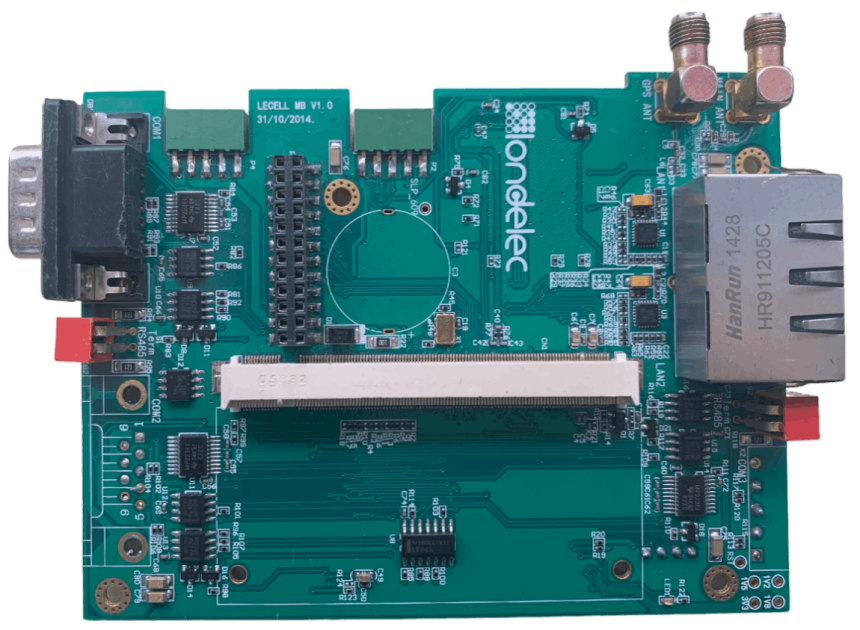

Comparison of Circuit Design PCB Software Tools: Which One Is Suitable for Your Project
In the realm of electronics, circuit design PCB (Printed Circuit Board) is a critical process, and having the right software tool can make a significant difference in the efficiency and quality of your projects. With a plethora of circuit design PCB software tools available in the market, each offering unique features and capabilities, choosing the most suitable one for your specific project requirements can be a daunting task. This article will compare some of the leading circuit design PCB software tools to help you make an informed decision. 1. Altium Designer Altium Designer is a comprehensive and highly - regarded circuit design PCB software. It offers a seamless integration of schematic capture, PCB layout, and 3D modeling. One of its standout features is its user - friendly interface, which caters to both novice and experienced designers. The software provides a vast library of components, including parametric parts and smart parts, which can significantly speed up the design process. For complex projects, Altium Designer's advanced routing capabilities shine. It supports high - speed signal routing with features like differential pair routing, impedance control, and signal integrity analysis. The 3D visualization feature allows designers to preview the physical appearance of the PCB, enabling them to identify potential mechanical and thermal issues early in the design stage. However, its powerful features come with a relatively high price tag, making it more suitable for larger companies or projects with substantial budgets. 2. Eagle (Easily Applicable Graphical Layout Editor) Eagle, now owned by Autodesk, is a popular choice among hobbyists, small - scale developers, and educational institutions. It offers a free version with limited functionality, which is an excellent entry point for beginners. The software has a straightforward interface and a modular design, allowing users to customize their workspace according to their needs. Eagle has a wide range of libraries, and users can also create and share their own custom libraries. Its PCB layout capabilities are reliable, with features such as auto - routing and interactive routing. While it may not have all the advanced features of more expensive software, it provides sufficient functionality for many common circuit design PCB projects. The paid versions offer additional features like support for larger board sizes and more layers, making it scalable as your projects grow in complexity. 3. OrCAD OrCAD is another industry - standard circuit design PCB software, known for its powerful schematic capture and PCB layout tools. It offers a high - level of automation, which can increase productivity for designers. The schematic capture tool allows for easy creation of complex circuits with features like hierarchical design and design rule checking. In the PCB layout stage, OrCAD provides advanced routing options, including autorouting with intelligent algorithms that can handle complex designs. It also offers strong support for high - speed designs, with features for signal integrity analysis and power integrity analysis. OrCAD integrates well with other Cadence products, creating a comprehensive design ecosystem. However, it has a steeper learning curve compared to some other tools, and its cost is also relatively high, making it more appropriate for professional design teams working on large - scale projects. 4. KiCad KiCad is an open - source circuit design PCB software that has gained significant popularity in recent years. Its biggest advantage is that it is completely free, making it an ideal choice for hobbyists, students, and small businesses with limited budgets. Despite being open - source, KiCad offers a wide range of features comparable to commercial software. It includes a schematic editor, PCB layout editor, and 3D viewer. The software has a growing library of components, and the community - driven development model means that new features and improvements are regularly added. KiCad's PCB layout tool provides features such as interactive routing, auto - routing, and support for multiple board layers. While it may lack some of the advanced features and polish of commercial software, it continues to evolve and offers a viable option for a variety of circuit design PCB projects. 5. Proteus Proteus is unique in that it not only offers circuit design PCB capabilities but also includes a powerful simulation environment. This makes it a great choice for designers who want to test their circuit designs before moving on to the PCB layout stage. The schematic capture in Proteus is intuitive, and it supports a wide range of components from different manufacturers. During the PCB layout process, Proteus provides features like auto - routing, component placement optimization, and design rule checking. The ability to simulate the circuit in real - time and observe the behavior of components allows designers to identify and fix potential issues early, saving time and resources in the long run. However, Proteus may not be as widely used in large - scale industrial projects compared to some of the other software tools mentioned above. Choosing the Right Tool for Your Project When choosing a circuit design PCB software tool, several factors need to be considered. If you are on a tight budget, open - source options like KiCad or the free version of Eagle can be great starting points. For educational purposes or small - scale hobby projects, these tools offer sufficient functionality. For professional projects, especially those involving high - speed designs, complex routing requirements, or large - scale production, more advanced and feature - rich software like Altium Designer, OrCAD, or Proteus may be more appropriate. Consider the complexity of your project, the level of support you need, the cost, and the learning curve associated with the software. In conclusion, each circuit design PCB software tool has its own strengths and weaknesses. By understanding your project requirements and evaluating the features and capabilities of different tools, you can select the one that best suits your needs and helps you achieve success in your circuit design PCB projects. Whether you are a beginner exploring the world of electronics or a seasoned professional, there is a circuit design PCB software tool out there for you. https://www.tronixv.com/



Spain vs Belgium Tickets: Spain wins it late to bid farewell to Ronald...
Top Hotel Booking App Development Company in USA
The hotel booking app market in the USA has experienced remarkable growth as travelers inc...

Reliable Dog Pooper Scooper Solutions for Busy Pet Owners: Convenient...
Gamification Market Report Highlights Key Drivers, Challenges, and Fut...
